You can set a default "reply-to" email for any Doc you send through Kiroku in your Preferences (found under 'Settings' in your Kiroku sidebar).
If you do not change the default "reply-to" email, your Kiroku account email address will be used as the "reply-to" email.
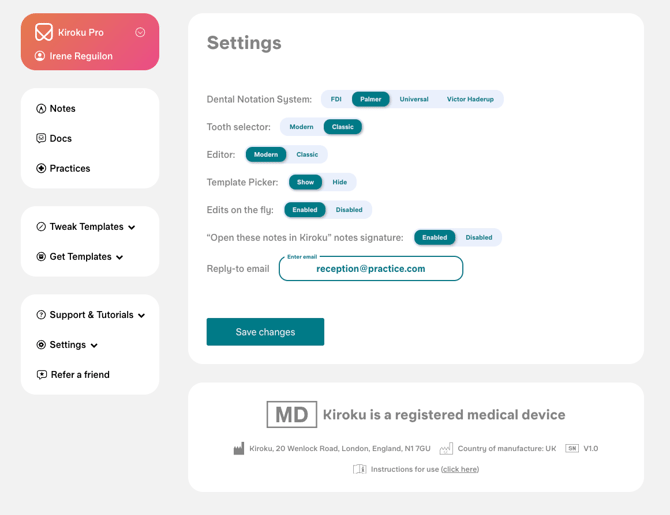
Once you have changed the default "reply-to" email, this will be used whenever you send a Doc.
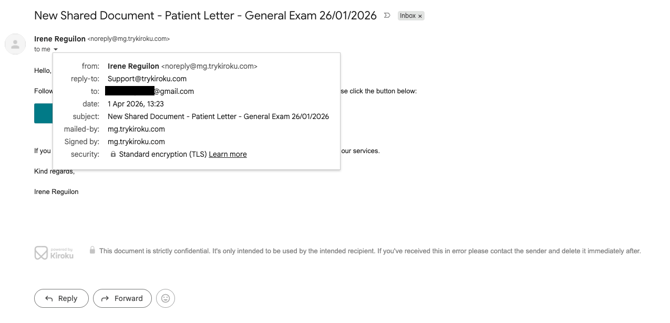
How this looks when a Doc is received
When your email is sent to the patient, the "from" name will be whatever your name is set to in your account. However, the email is a no reply email from Kiroku.
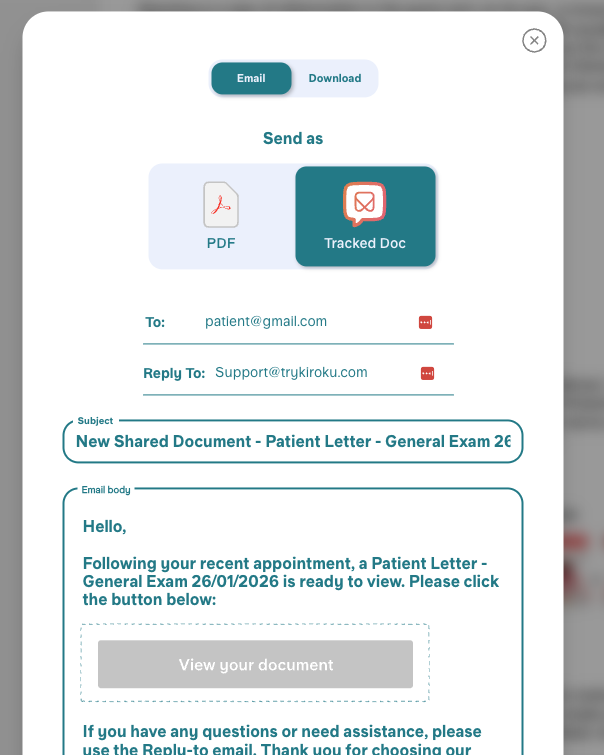
The reply-to email will default to whatever reply-to email you have used when sending your Doc.